
With the rise of e-hailing services like Uber and Bolt, getting around South Africa’s cities has never been more convenient. But with this convenience comes the responsibility to ensure your personal safety and that of those around you. Whether you’re heading home from work, out with friends, or traveling to a new part of town, here are some smart safety tips to help you use e-hailing services wisely.
Use the App in Safe, Well-Lit Areas
- Always request your ride from a secure location. Ideally, wait indoors or in a well-lit public area.
- If you’re calling a ride at night, try not to stand alone on a quiet street or corner—safety begins before you even get into the car.
Verify Your Driver and Vehicle
- Before getting into the vehicle, double-check the license plate, vehicle model, and driver’s photo in the app.
- Ask the driver to confirm their name and who they’re picking up. This small step can prevent boarding the wrong vehicle.
Share Your Trip in Real Time
- E-Hailing’s “Share My Trip” feature allows you to send your trip details to a friend or family member.
- For added security, make a quick call to someone, place them on speaker, and mention details about your driver and route.
Sit in the Back Seat
- Unless you’re travelling in a group, it’s best to sit in the back seat.
- It offers more personal space, allows for a quick exit if necessary, and keeps things professional between you and the driver.
Trust Your Instincts
- If something doesn’t feel right—whether it’s the route, the driver’s behaviour, or the environment—don’t hesitate to cancel the ride.
- Report the issue via the app. In emergencies, call 112 (South Africa’s emergency number) or contact a trusted person immediately.
Avoid Cash Payments When Possible
- Card or in-app payments are generally safer than cash.
- If you must pay with cash, be discreet, keep the amount ready beforehand, and avoid flashing large notes.
Check Your Route
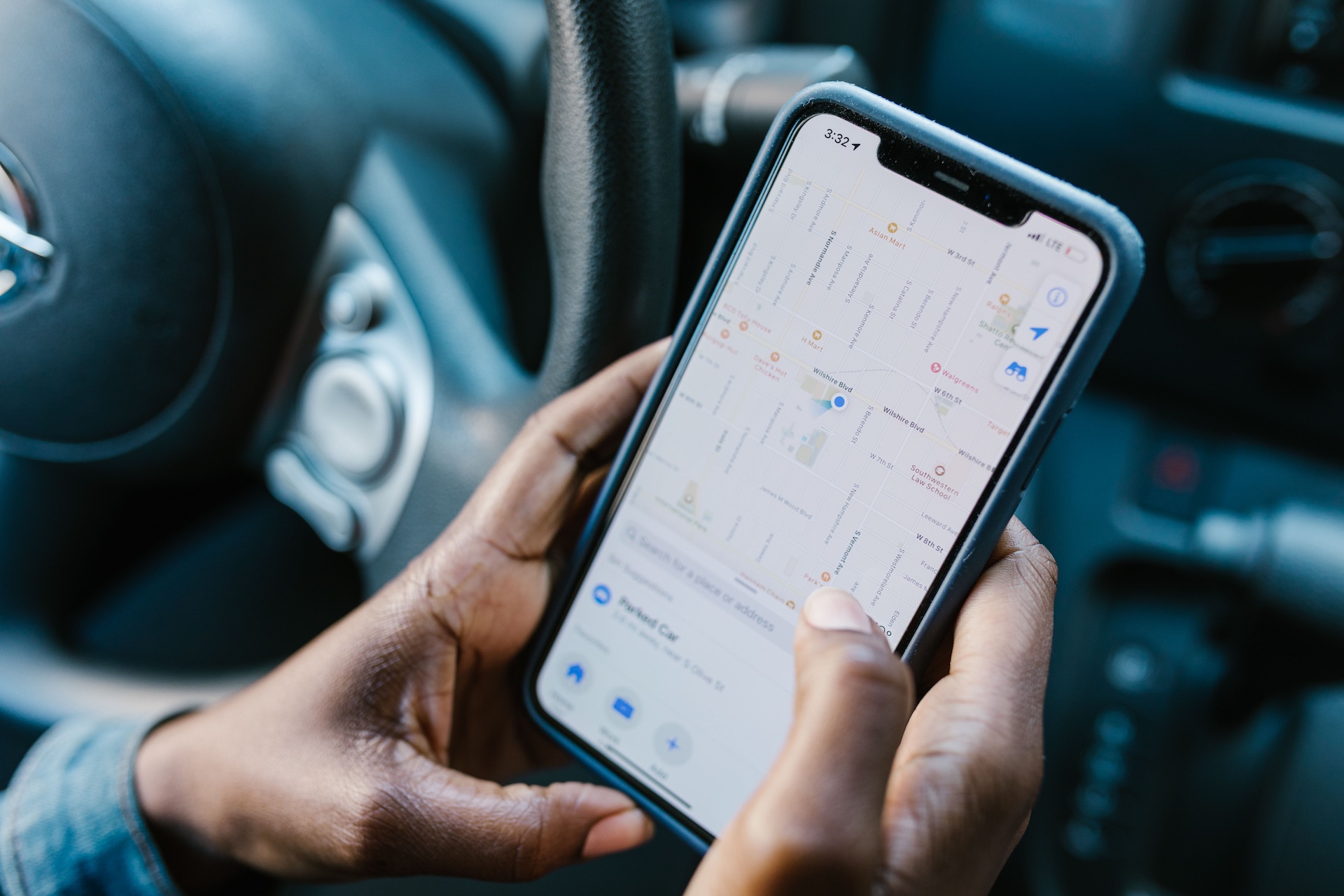
- Monitor your journey on the map within the E-Hailing app.
- If the driver takes a strange or unnecessary detour, ask about it or end the ride if you feel uncomfortable.
Be Polite, But Cautious
- A bit of friendly conversation is fine, but avoid sharing personal information like your address, travel plans, or daily routine.
- Keep interactions respectful but professional.
Use E-Hailing Only via the Official App
- Only accept rides that are confirmed through the E-Hailing app.
- Do not be persuaded by individuals claiming to be E-Hailing drivers offering cheaper or offline deals.
Rate Your Driver & Leave Feedback
- After your trip, always take a moment to rate your driver.
- Your feedback helps keep the platform safe and informs other riders.
Bonus Tip: Keep a Few Regular Drivers
- If you use E-Hailing often, try to keep two or three drivers as regulars.
- This builds a mutual sense of trust and reliability. Regular drivers tend to be more mindful of your safety and preferences.
Download the Namola App
1. Download from App Store or Google Play.
2. Sign up, add contacts for location sharing.
3. Join CPF Douglasdale Namola Emergency Group (https://app.namola.com/c/zlggvTSsoqkwtSLgjms7ai)
4. For Namola Plus, tap “N+” in-app to upgrade.
5. Press SOS in an emergency (or “Test” to trial without alerting responders).
E-hailing apps have transformed urban mobility, but they work best when riders stay vigilant. A little caution goes a long way. Make safety a habit, not an afterthought.
Stay aware, stay safe — and enjoy the ride.
—
Image used from Pexels.com
Follow us on our socials
FaceBook: Https://facebook.com/northridingresidentassociation
Instagram: Https://instagram.com/northridingresidentsassociation
TikTok: https://tiktok.com/@nra58811
To join our WhatsApp Groups sign up here: https://northriding.org.za/group-links/
No responses yet